Images of the Web
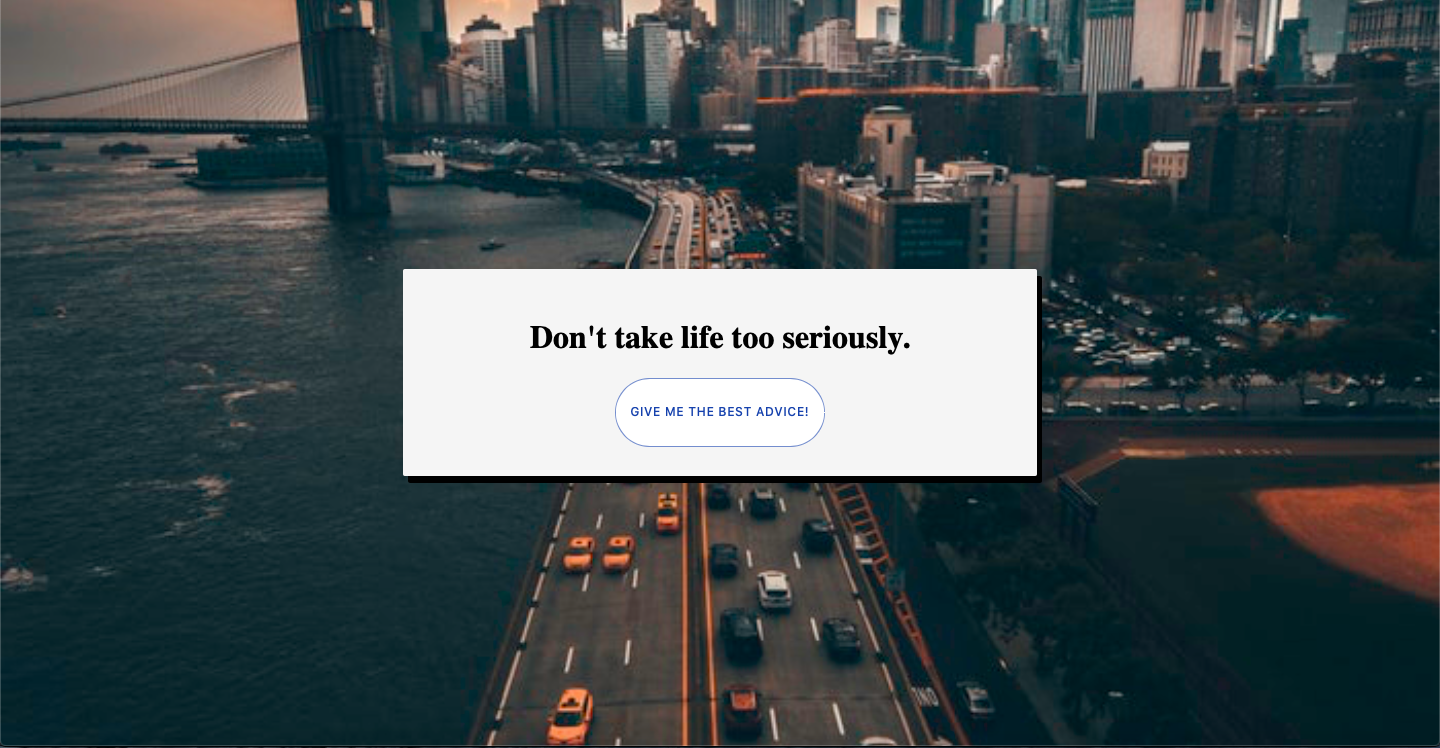
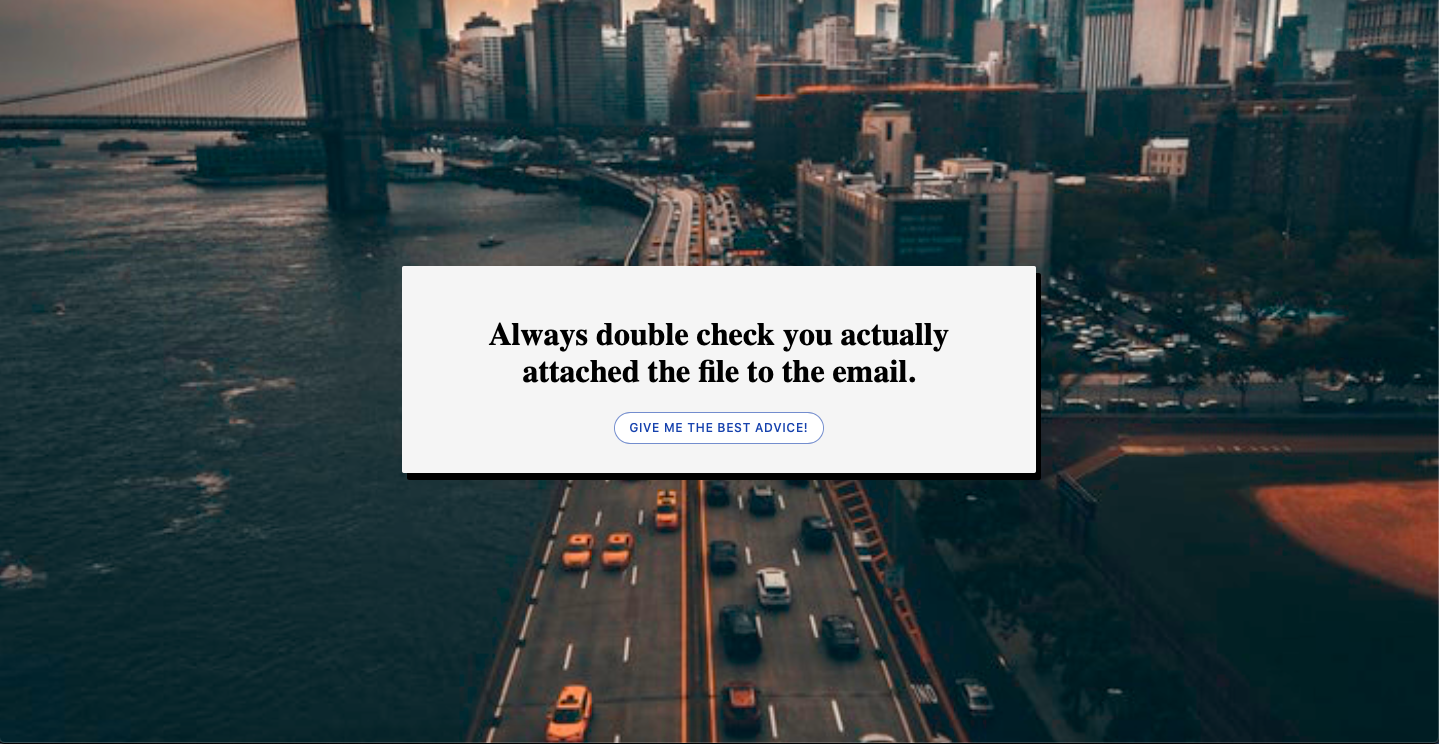


One of my first projects using React was to practice coding, I made a Web page where you can have advices.
The Adiveces Project
The advices are for an API, to display some advices in a web page using React I code in Javascript However this Webpage has more CSS and HTML that logic in my code because It only fetch the date using the concept in React hooks and push the button for make the call get the advices, it a great Website for start understanding how to code in React and practice.
This project was bootstrapped with Create React App.
Using JavaScript
I learn how to build a simple Webpages and display it in React.js
the code is simple and I get a response for the API where in this case is a weather API, in the process I am using the knowledge of useState in Hooks.
React documentation
Try React
React has been designed from the start for gradual adoption, and you can use as little or as much React as you need. Whether you want to get a taste of React, add some interactivity to a simple HTML page, or start a complex React-powered app, the links in this section will help you get started.
Add React to website
Add React in One Minute
I will use component to an existing HTML page. I use it to display this Webpage
There will be no complicated tools or install requirements — to complete this project, you only need an internet connection, and a minute of your time.
JSX
Add JSX to a Project
Adding JSX to a project doesn’t require complicated tools like a bundler or a development server. Essentially, adding JSX is a lot like adding a CSS preprocessor. The only requirement is to have Node.js installed on your computer.
GitHub

 Portfolio Javier Carreno