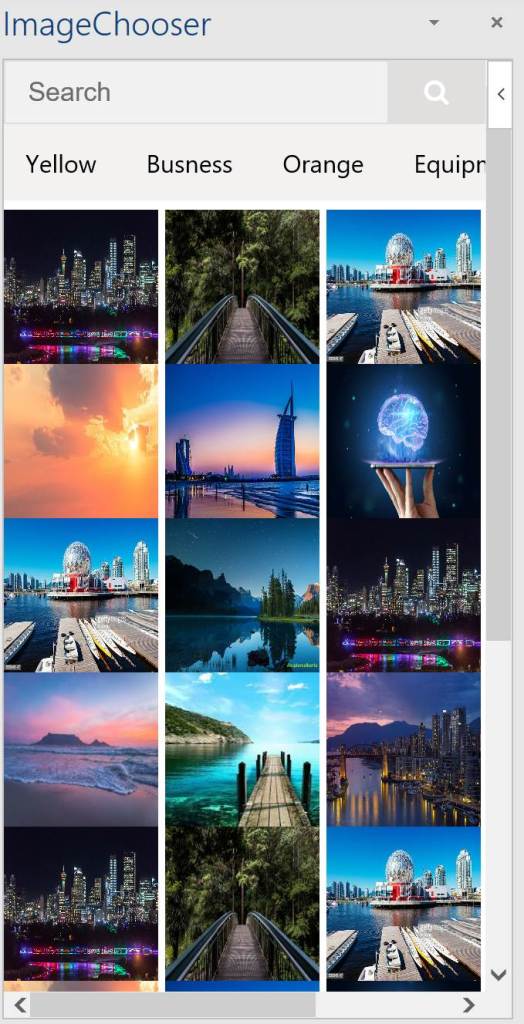
This project was one of the first coding experiences with Web Add-ins using JavaScript HTML & CSS and Visual Studio code for making an Array of images and display images (JPG) using simple selection double click in the document Word.
As an improve the experienced user select one or more icons and easier display it on the document I improve the code to make it easier as possible for the users to use the Web application.
The icons and Image are stored in Sharepoint where I am working in the Back-End display web application to Azure to get REST API and code using controller and my model in C# and JSONfile for get access to the icons and image use the search bar for look into them and make it easier for the user.
My work is progress updating the code and making smaller and efficient for example every subject has an Array of images will be displayed in a table for making the selection.and I made a function for getting the call back function of the database of the images stored in the URL(SharePoint of the company).
note = “Working in the Back-End and Improving the Front-End”
January February 2021 working in connect Graphics, icons and logos to Shapoints
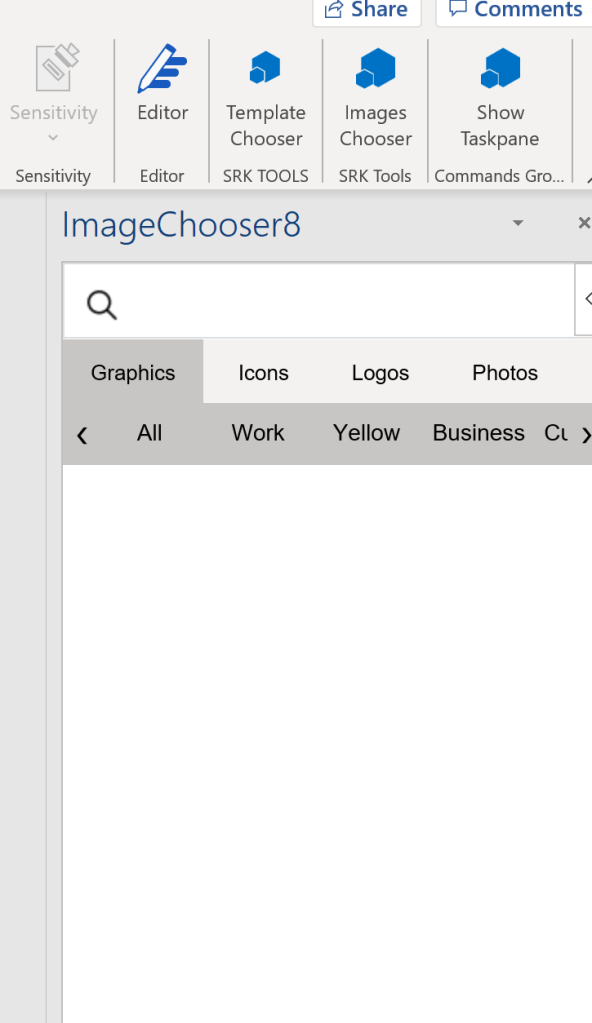
The Improve of November getting the images stored of the Sharepoint.
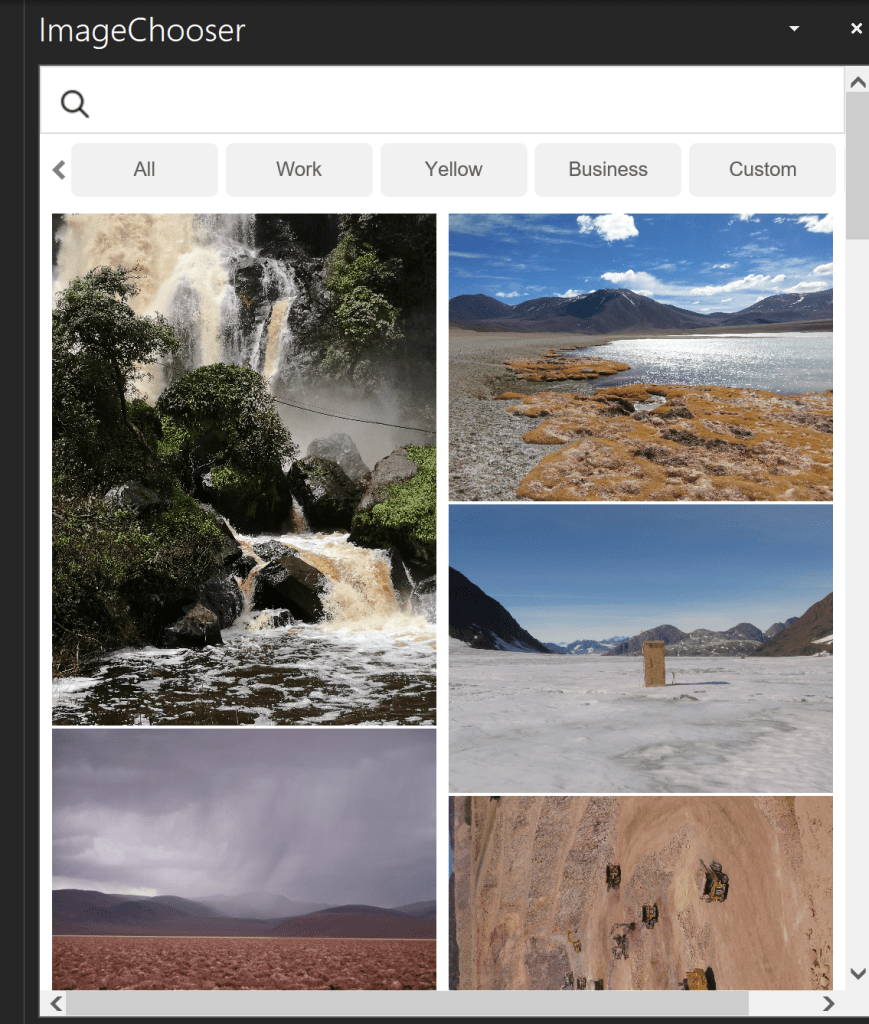

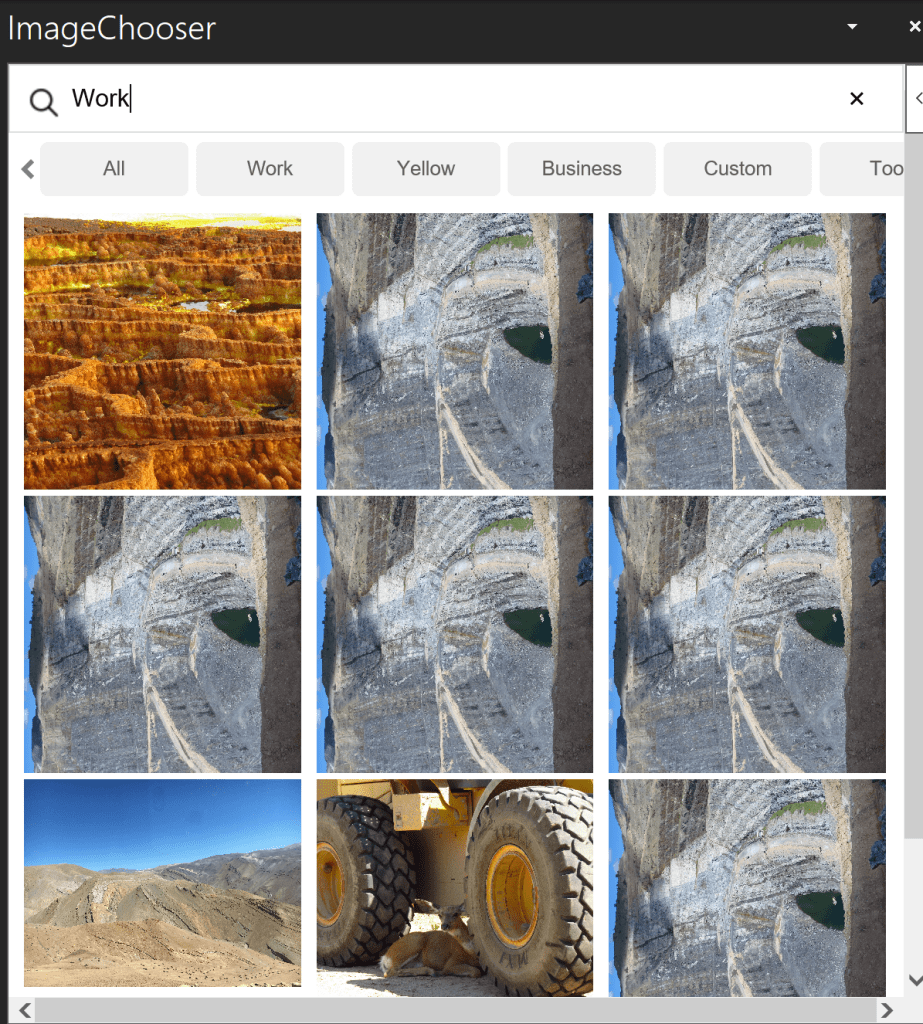
Language: JavaScript and C#
The October is on process, Because I’m improving some details
Search is working as well as the sort of the image and the button click to get name of the image that have A special character.
The advance of October How I start and how I continue improving the image chooser.
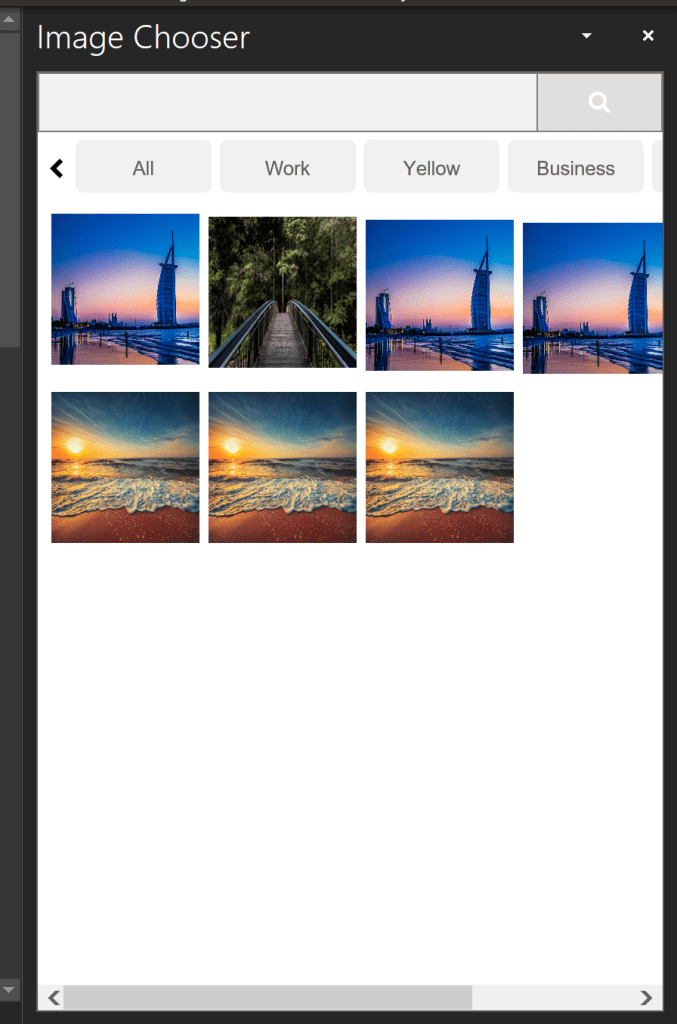
October 20 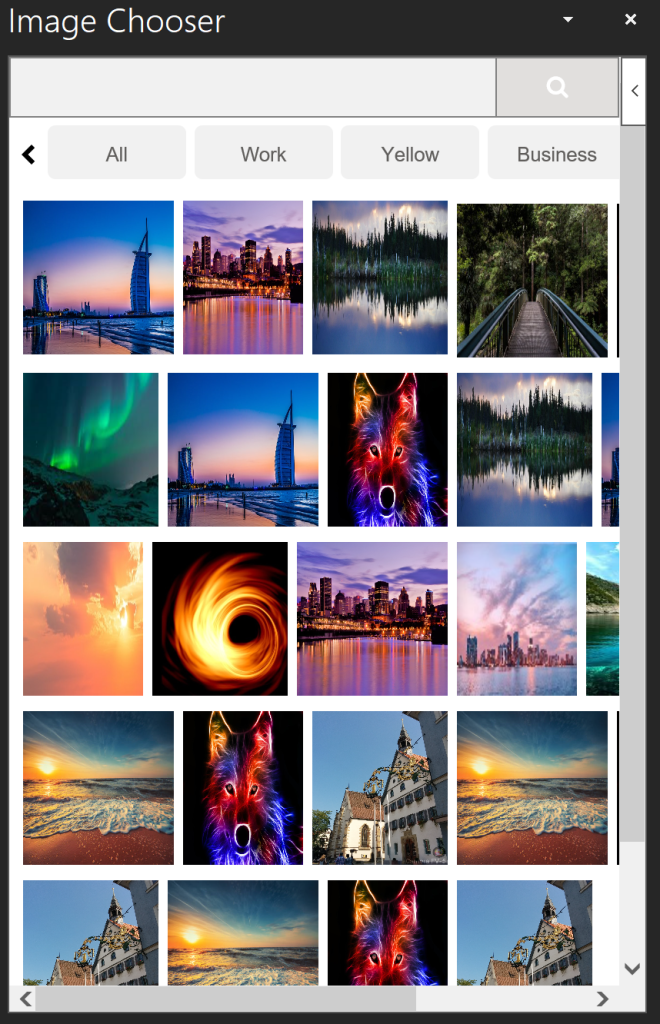
October 15 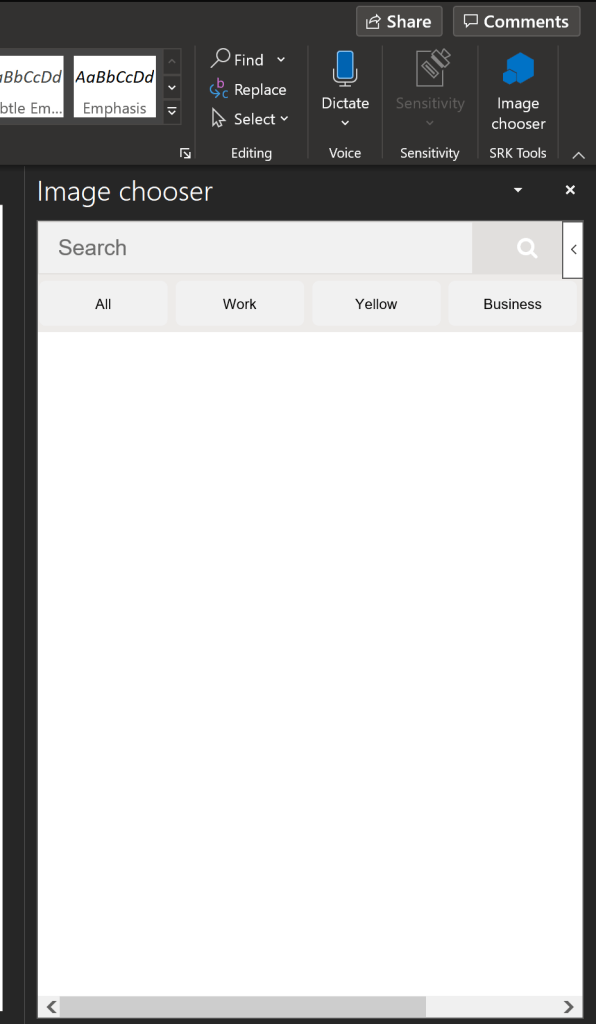
October 1
The September look
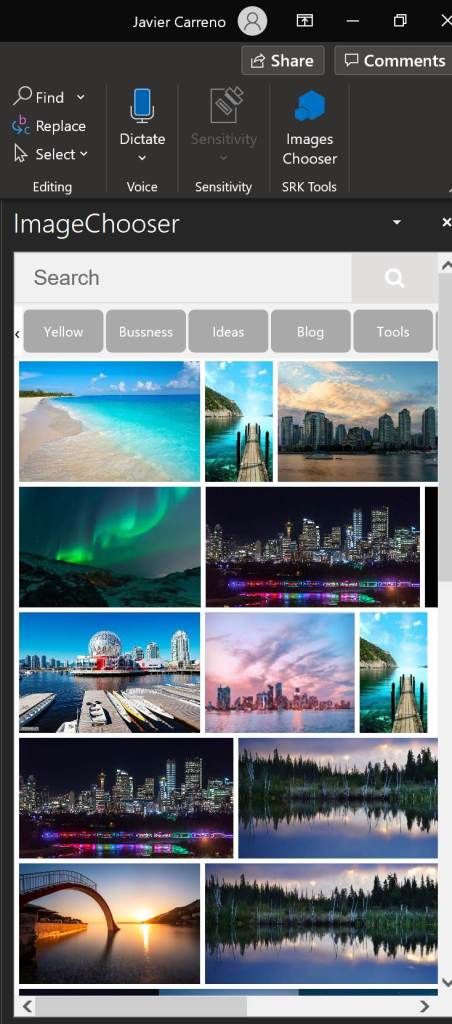
How it Looks on August


 Portfolio Javier Carreno